
Make Opens category by category, after Decide
React to it before anything is sampled.
Make will turn an accepted call into product designs, photography and the graphics around them, each checked against your brand before you see it.
Make has two rooms: Studio (design) and Atelier (production).
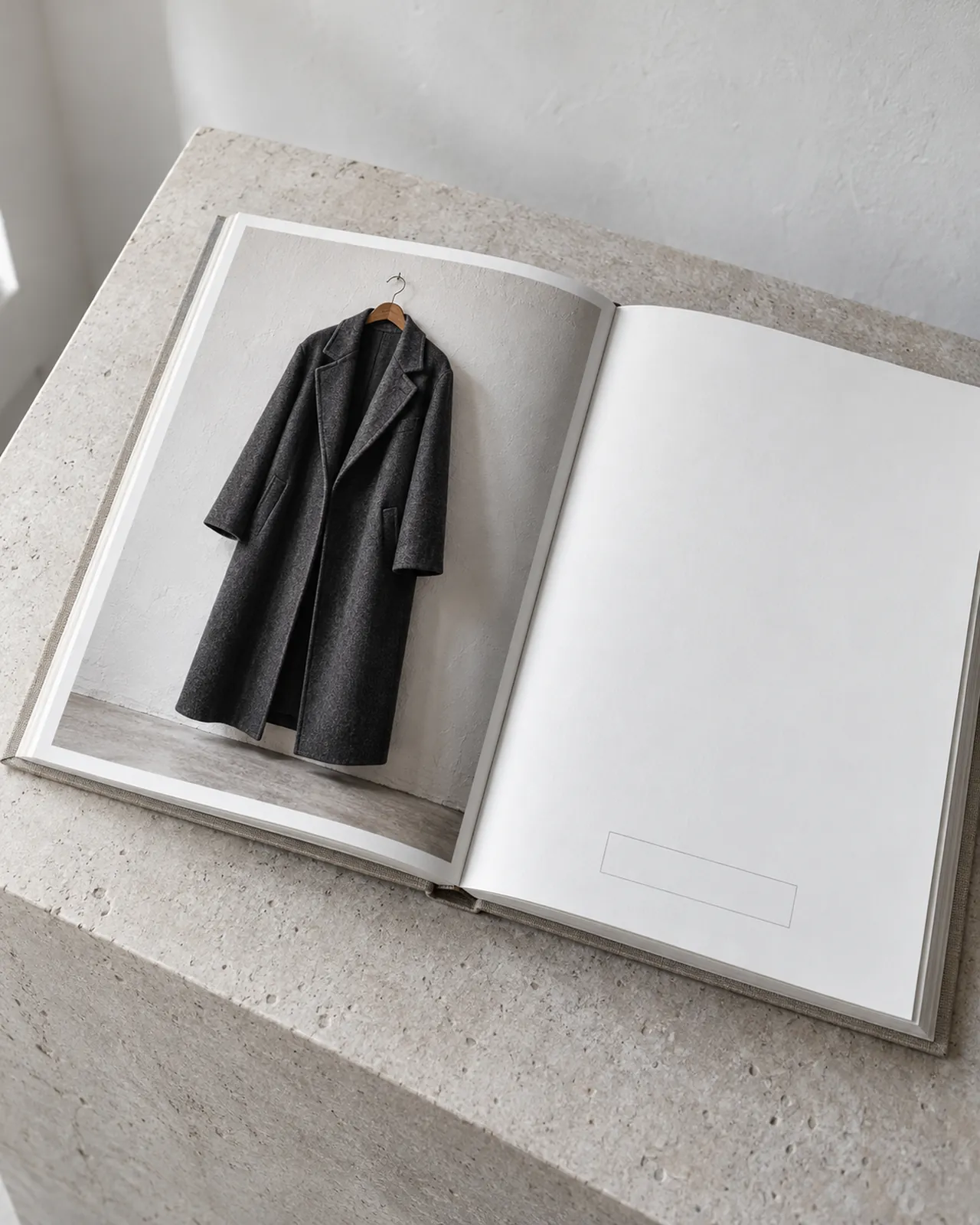 Generated image
How it works
A call becomes the brief.
The call becomes the brief
The brief will draw on the accepted call, your Brand Graph and the references you upload: photos, samples and flats. You can also start from a blank brief.
Three directions come back
Each will be checked against your palette, price band and silhouette rules, with the result shown. An off-brand direction will be flagged with its reason, never offered as if it passed.
The creative lead chooses
Pick, refine in plain language, or pass. Every refinement will be a new version, and the choice will be recorded as a call.
Assets are approved
Only approved assets will leave Make, for Sell or for download.
What opens first
First: designs and product photography, checked against your brand. Make opens category by category, after Decide, as each category passes its quality gate.
What protects the brand
Generated, never invented.
- The product must match its references. Invented hardware, stones, stitching or logos fail the check and are never shown.
- Every image passes a quality gate before anyone sees it.
- Every asset records how it was made, its usage rights and its content credentials, so generated work is always disclosed.
- You never pick a model. Specialist work, such as video, is briefed and checked by AiNDREA before it is shown.
- Your approvals teach the Brand Graph, so the next directions start closer.
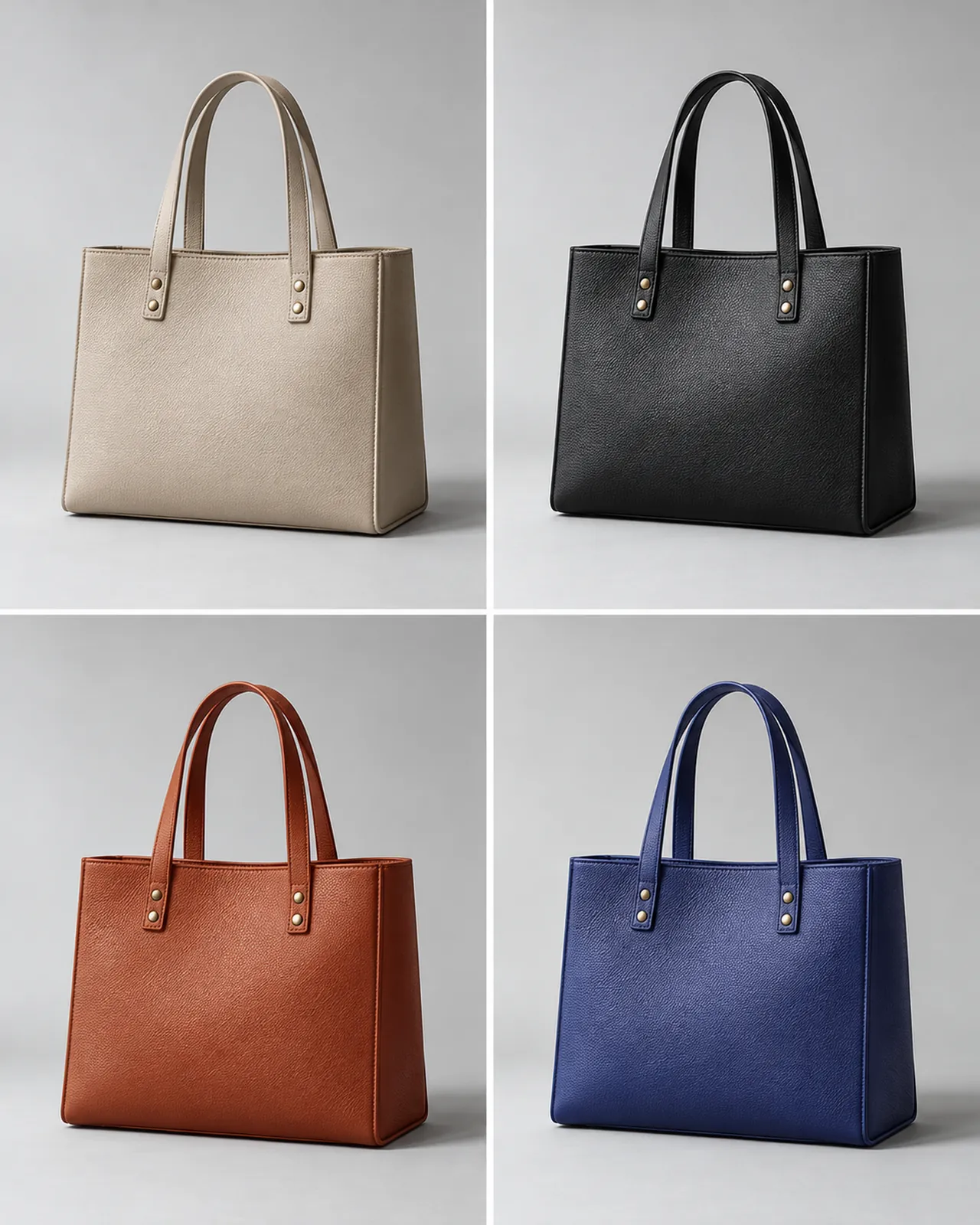 Generated image
Brand checks
Every direction is checked before you see it.
Make will check each direction against your palette, price band and silhouette rules, and show the result. An off-brand direction is flagged with its reason, never offered as if it passed.
- Product fidelity: hardware, stones, stitching and closures must match the references.
- Brand fidelity: palette, light and styling from your Brand Graph.
- Disclosure: every image carries its content credentials and a generated label.
The demand test
Read demand before you buy.
Turn approved images into pre-order or waitlist listings in your store, and read demand before you buy inventory.
Opt-in per call.
Atelier Later
From approved design to production.
Tech packs, costing, sourcing and sampling, from the designs you approve in Make. Atelier comes later and is priced on its own.
Who can use Make today?
Make opens category by category, after Decide. Join the waitlist.
How is Make priced?
Make joins your plan at the same price as it opens in your category, with a monthly pool of Credits for Studio (design). Atelier, for production, is priced on its own. See pricing
Will Make invent details on my product?
No. Invented hardware, stones, stitching or logos fail the fidelity check and are never shown. Upload clear references and Make keeps to them.
Can we use the images commercially?
Every asset records how it was made and its usage rights. Your approved assets are yours to use, and generated work is always disclosed.
Do we choose the AI model?
No. AiNDREA picks the right model for each job, briefs it and checks the result before it reaches you.
Waitlist
Be first into Make.
Opens category by category, after Decide.